Blog · · 6 min read · by Kavisha Wanigasekara
What Most Special-Order Spreadsheets Forget to Track
A special order spreadsheet works fine as a tool. Most of them are missing the six columns that keep one order from going quiet before pickup.
- Special orders
- Retail operations
- Point of sale
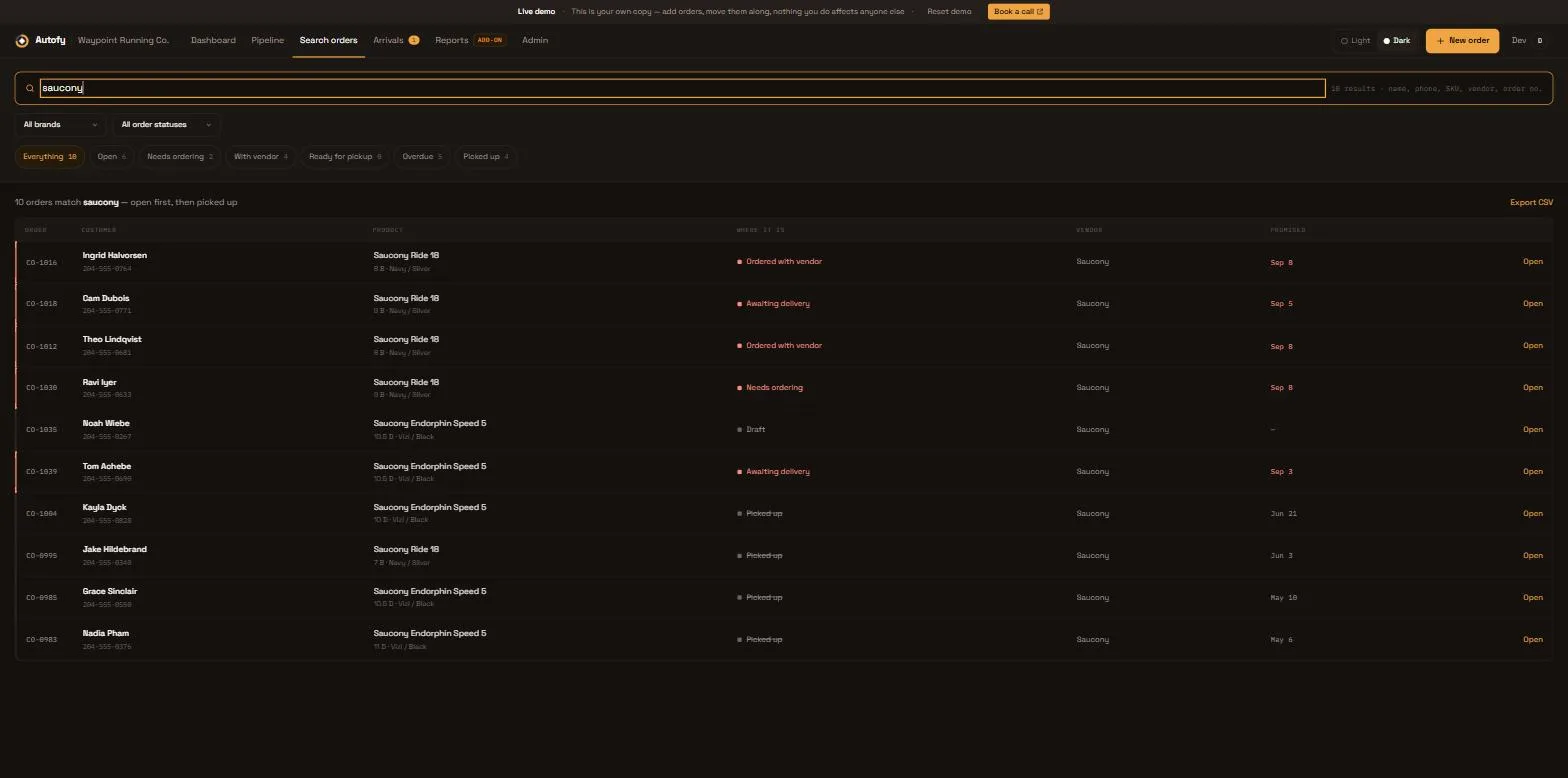
A special order spreadsheet can run a shop's whole list well. What most of them forget to track is the handful of columns that keep one order from going quiet between the counter and pickup.
Key Takeaways
- A spreadsheet is a fine tool for a special order log. The columns are usually what's missing, not the software.
- Six columns catch most of what goes quiet: who took it, the vendor's order number, deposit against balance owing, your promised date against the vendor's, the notified date, and a pickup deadline.
- The two dates, yours to the customer and the vendor's to you, are different numbers. Writing down only one is the single most common gap.
- None of the three big point-of-sale systems holds a deposit, a balance and a vendor link in one record, so a spreadsheet is doing work the till was never built for.
A gun store special-orders a specific gauge and finish of over-under shotgun, takes a deposit, and gets an eight-week lead time from the distributor. None of that sits on a shelf, so none of it is visible the way stock is. A shoe shop or a furniture store has the same problem with a different item. If the details aren't on a sheet somewhere, they only live in whoever took the order.
What a special order log actually has to answer
A special order log is the record of a promise: the line that shows who asked for something you didn't have, what you told them, and where that promise currently stands. At minimum, a working log answers five questions for every row.
| Question | Column |
|---|---|
| Who is this for? | Customer name and phone number |
| What did they order? | Item, size or spec, vendor |
| What did you promise them? | Deposit, balance owing, promised date |
| Where is it right now? | Status: ordered, with vendor, arrived, ready, picked up |
| Who's responsible for the next step? | Staff member, last update date |
That part most shops get right. The columns that go missing sit inside those five, not beside them.
The six columns most spreadsheets forget
These line up with the six stages a special order travels, which is a useful order to lay the columns out in, because that's the order the information actually arrives.
- Who took the order. Not for blame. A name on the row is how a new hire learns the process by reading the sheet. It's also the first place to look when a customer says the person they spoke to told them something different.
- The vendor's order or PO number. Without it, matching an arriving carton back to the customer who's waiting on it becomes a memory exercise. That's the same gap that turns a short-shipped delivery into a rationing problem.
- Deposit and balance owing as two numbers, not one checkbox. "Deposit taken: yes" tells you nothing about what's still owed or what you're on the hook to refund if the order falls through. How much to take, and when covers the decision. The two columns are what make that decision trackable afterward.
- The date you promised the customer, separate from the date the vendor gave you. These are not the same number, and a sheet with one "expected" column usually means whichever date got typed in first. The gap between them is exactly the conversation to have before either one slips.
- When and how the customer was told it arrived. A status of "arrived" with no date next to it tells you nothing about whether anyone actually called. What to say when that call is a delay instead of good news still depends on someone noticing the row needs a call at all.
- A pickup deadline. Without one, a collected order and an order that's been sitting in the back room for six weeks look identical on a sheet that only tracks "arrived" and "not arrived."
Where the point-of-sale stops and the spreadsheet has to start
None of the three systems most of this audience runs on holds all of that in one place. A spreadsheet carries it instead, and that's a sign of a gap in the till, not an old-fashioned habit.
Read from each vendor's published documentation as of 17 September 2026:
- WooCommerce has no restock or arrival event in core at all. Its backorder notice fires at purchase time, not when the goods actually show up (WooCommerce, "Product Editor settings"), so there's nothing in core linking a PO number back to a customer row.
- Shopify POS Pro's pickup-in-store flow only treats an order as ready once the whole thing is in stock at the pickup location (Shopify Help Center, "Setting up pickup in store for online orders"). Purchase orders also sit in a separate app from the sale, so nothing connects the two automatically.
- Lightspeed X-Series carries this furthest of the three, netting demand against inbound vendor orders. Its own documentation still asks staff to contact the customer directly once an order's ready (Lightspeed Retail X-Series, "Managing special orders"), and an unfulfilled sale can't be marked packed until it's paid in full. That's awkward for a shop taking half down at the counter.
Product names and logos are trademarks of their respective owners. Autofy is not affiliated with, endorsed by, or sponsored by Shopify, Lightspeed, or WooCommerce. The quoted wording and caveats are on the full POS comparison.
That's not a failure of any of the three. None of them were built around a sale that starts weeks before the goods exist and depends on a promise instead of stock on a shelf. A spreadsheet fills that gap because something has to.
A structure you can copy
Fifteen columns looks like a lot until a row is filled in. Head row, left to right, in the order the information actually arrives:
Customer name | Phone | Item / spec | Vendor | PO / order # | Date ordered | Vendor ETA | Promised date to customer | Deposit | Balance owing | Date customer notified | Pickup deadline | Status | Staff | Notes
Here's what one row looks like for a pool and spa dealer special-ordering a pump motor before opening season:
- Customer name and phone number
- "1.5HP variable-speed pump, model X," and the vendor's name
- The vendor's order number and the date it was placed
- The vendor's quoted ship date, and the date promised to the customer, usually a few days later to leave room
- Deposit taken and balance still owing
- A "date customer notified" column, left blank until the pump actually arrives
- A pickup deadline
- A status that moves from "with vendor" to "arrived" to "picked up"
Nothing in that row needs software. It needs the columns to exist before the order does, so filling them in is a habit instead of a decision made differently each time.
Frequently asked questions
Do I really need separate deposit and balance columns, or is "deposit taken" enough?
Separate numbers. A single "deposit taken" checkbox can't tell you, a week later, whether that deposit was $20 or $200, or how much is still owed at pickup. Two plain number columns answer both questions at a glance, without anyone reopening the original order to check.
What if more than one person updates the sheet?
Add the staff column from day one, and agree on one rule for who edits a row once it's picked up: close it, don't delete it. A shared sheet with no record of who last touched a row is how two staff members both promise the same arriving carton to different customers.
How long should a finished order stay on the log?
Long enough to answer a dispute about it, and long enough to count at year end what stock on your shelves actually belongs to a customer rather than the shop. A closed tab or a separate "done" sheet works fine. Deleting the row the day it's picked up means you can't answer the next question a customer asks about it.
If the sheet starts fighting you back
A spreadsheet holds these columns fine for one person watching a few dozen open orders. It gets harder once two or three staff update it from different counters, or once the list is long enough that nobody opens it until a customer asks where their order is. Autofy is a special order tracker built to carry the same columns automatically instead of someone typing each one in by hand. See what that looks like against your own order list.